File sources
File sources are documents you upload — PDFs, Word documents, spreadsheets, text notes. Flametree extracts the text, and connected agents use it as reference.
note
Don't upload FAQ-style documents here. Use Create FAQ > Auto-generate from File on the FAQs tab instead, so the content becomes structured Q&A pairs.
Upload documents
- Open the Files tab and click Add new file.
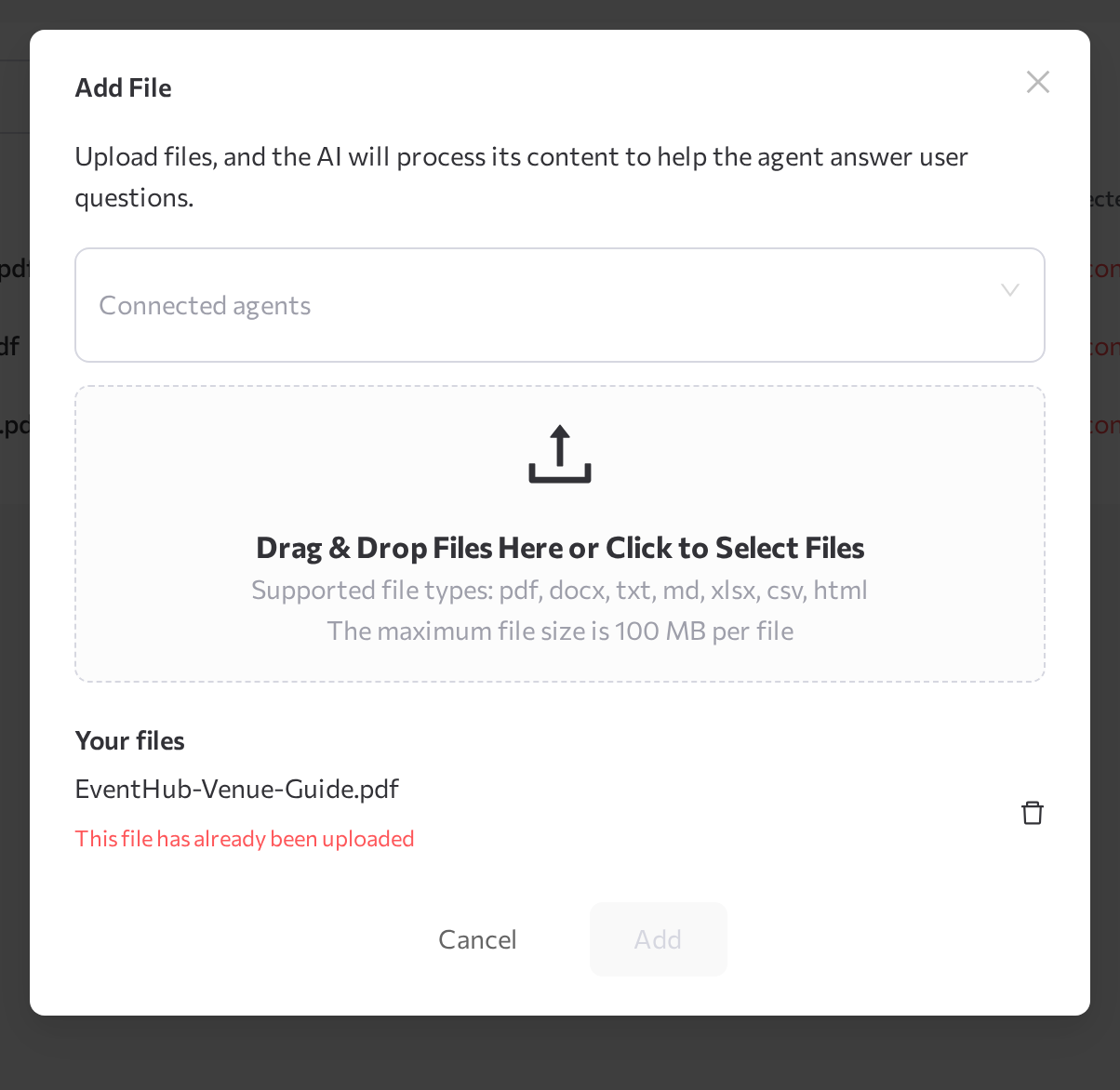
- In the Add File window, optionally select Connected agents.
- Drag documents into the upload area (Drag & Drop Files Here or Click to Select Files) or click to browse. You can add several files at once. Supported formats: PDF, DOCX, TXT, MD, XLSX, CSV, HTML — up to 100 MB per file.
- Click Add.
The files appear in the Files table.
Manage files
The table shows each source's File name and File type plus its Status, Usage Count, Connected agents, and Uploaded date. Each row offers these actions:
- View — opens the View File window with the text extracted from the document. Check it to see what the agent actually reads.
- Edit — opens Edit File to change the title or connected agents.
- Download — saves the original file to your computer.
- Index — re-processes the file, for example after an Error.
- Delete — removes the file from the library and from every connected agent.